 How-to
7 Steps to Track Your Vehicle During Transport
Last Updated: November 15, 2026
Quick Summary
To track your vehicle during transport, confirm your tracking method at booking, collect your VIN and order number, and know what each shipment status means. Most vehicle transport tracking relies on carrier check-ins, broker dispatch updates, a tracking portal, or a GPS or Bluetooth device in the car.
- Ask your broker which tracking methods apply and request the answer in writing.
- Collect your order number, the carrier's dispatch number, and the driver's cell number at pickup.
- Shipment statuses are milestones, not live locations, and updates may arrive during business hours.
- A status unchanged for 48 hours during an active transit leg deserves a call.
- AirTags are not GPS devices and depend on nearby Apple devices and battery life.
Table of Contents
- Step 1: Confirm Your Tracking Method Before Pickup
- Step 2: Get Your Auto Transport Tracking by VIN and Order Number
- Step 3: Read Your Shipment Statuses Correctly
- Step 4: Understand GPS Tracking for Car Shipping and Its Limits
- Step 5: Know What Auto Transport Broker Communication Standards to Expect
- Step 6: Troubleshoot Missing or Stale Tracking Updates
- Step 7: Weigh the Benefits of Enclosed Vehicle Transport for Tracking
- Book Your Tracked Vehicle Transport With Axel Flow Logistics
- Frequently Asked Questions
Step 1: Confirm Your Tracking Method Before Pickup
Learning how to track vehicle during transport starts before the carrier ever loads your car. Ask how tracking works at booking, not after pickup. Knowing your options now prevents a week of guessing later.
Most auto transport tracking falls into four buckets:
- Carrier check-ins by phone or text
- Broker dispatch updates from your booking contact
- A tracking portal or link with status milestones
- A GPS or Bluetooth device in the vehicle
Ask your broker which methods apply to your shipment, and request the answer in writing.
The woman is American.
Step 2: Get Your Auto Transport Tracking by VIN and Order Number
Auto transport tracking by VIN works because your vehicle identification number is unique to your car. Most brokers and carriers tie shipment records to the VIN plus an order or dispatch number. Collect both before the carrier arrives.
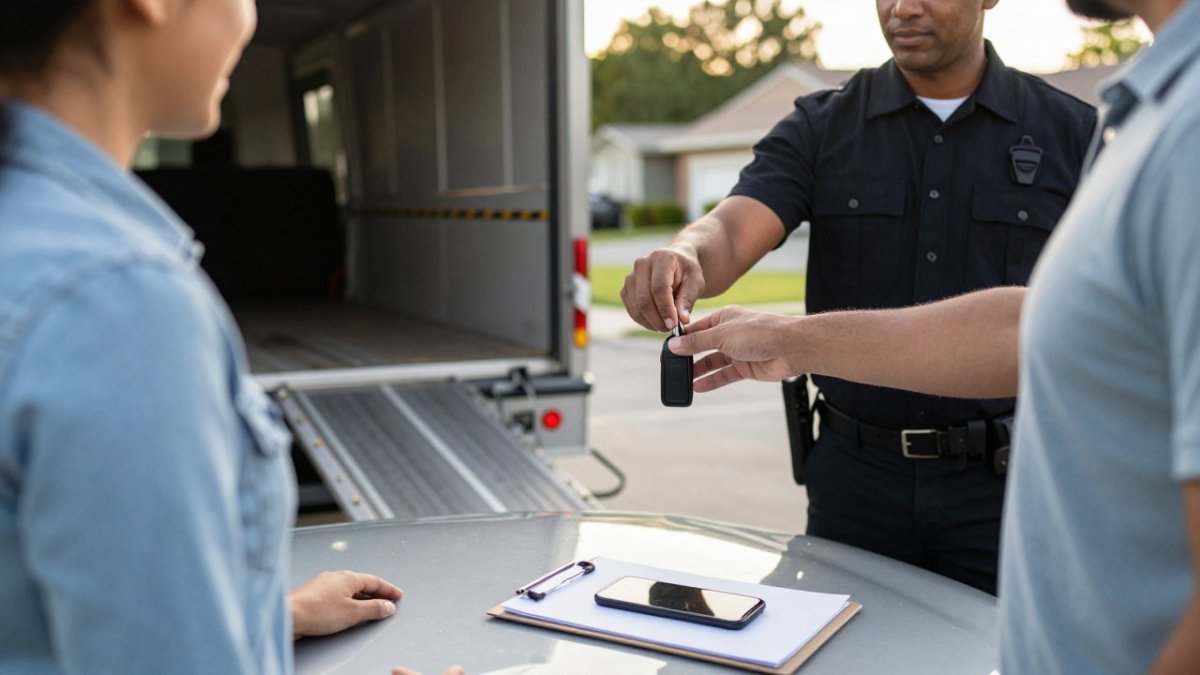
Here is what to confirm at pickup:
- Your order number and the carrier's dispatch number
- The driver's name and cell number
- The estimated delivery window
- The exact tracking method you will use
The Federal Motor Carrier Safety Administration requires licensed brokers and carriers to register, so you can verify your provider's authority before you ship. For a detailed walkthrough of the lookup process, see our guide on how to track your vehicle during transit step by step.
Step 3: Read Your Shipment Statuses Correctly
Shipment statuses are short labels that describe where your car sits in the transport chain. They are not live locations. Reading them correctly stops most panic.
Typical statuses you will see:
- Booked: your order is confirmed with a carrier
- Dispatched: a driver has accepted the load
- Picked up: the vehicle is loaded and in transit
- In transit: the carrier is moving toward delivery
- Delivered: the car has arrived and paperwork is signed
Treat each status as a milestone, not a GPS ping. Updates may arrive during business hours rather than continuously.
Step 4: Understand GPS Tracking for Car Shipping and Its Limits
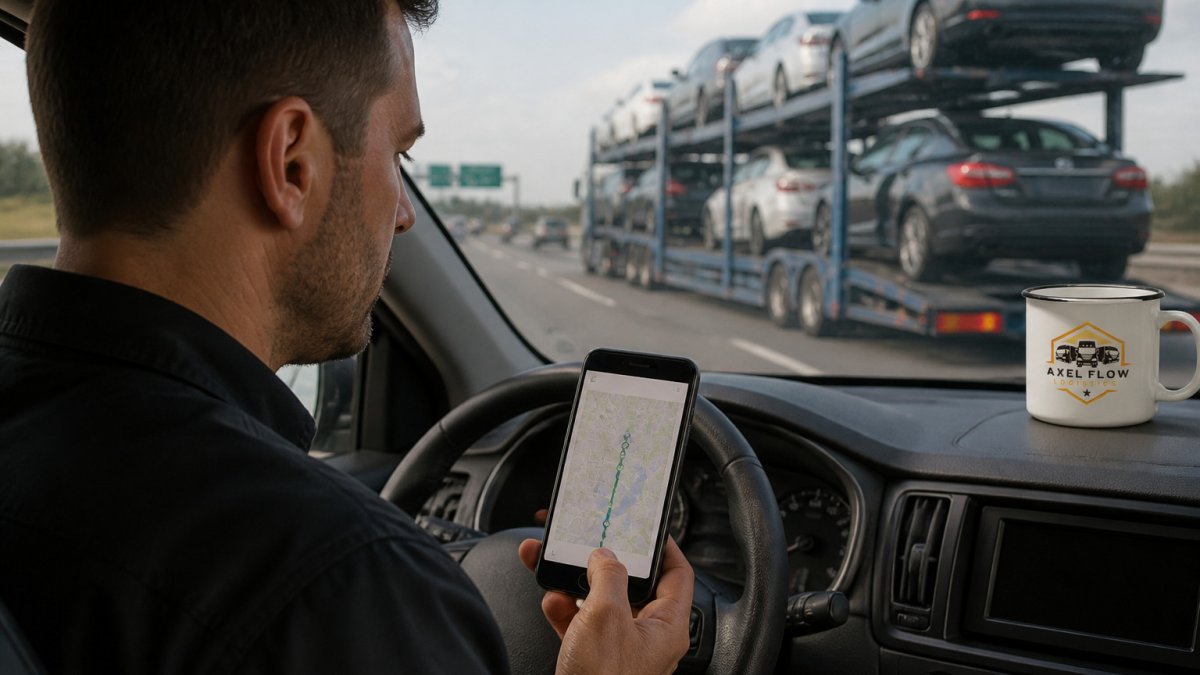
GPS tracking for car shipping is available on some shipments, but it is not universal, and the phrase means different things depending on who is saying it. Understanding the mechanism behind each option sets realistic expectations before your car is loaded.
There are four distinct tracking layers, and they are not interchangeable:
- Carrier fleet telematics. Many carriers run GPS units on the tractor or trailer that report position to the carrier's dispatch software. This shows where the truck is, not your vehicle in isolation, and the carrier decides whether to share a customer-facing link.
- Periodic location pings. Some brokers pass along a tracking portal that refreshes every few hours. A ping is a snapshot, not a live feed, and the map may show the last reported position rather than the current one.
- Driver check-ins. The driver calls or texts dispatch at pickup, during transit, and before delivery. These are among the most common updates on multi-car open carriers.
- Customer-owned devices. A GPS tracker, Bluetooth tag, or smartphone left in the vehicle can supplement carrier updates, but each has real limitations covered below.
How often location information updates. Update frequency depends on the system. Fleet telematics may report every few minutes to the carrier, but the customer-facing view is often throttled to hourly or milestone-based updates.
Accuracy and location-data limits. GPS positions are generally accurate to within a few meters in open sky, but the reported location can lag behind the vehicle by the length of the update interval. Signal gaps are common in rural areas, mountain passes, tunnels, and dense urban canyons. When a gap occurs, the last known position stays on the map until the next ping, which can make a moving truck look stalled.
AirTags and Bluetooth trackers. Apple AirTags and similar Bluetooth trackers are not GPS devices. They report their location only when a nearby Apple device in the Find My network detects them, which works well in populated areas and poorly on rural interstates. They also depend on battery life, typically about a year for an AirTag, and they can be disabled or removed. They are useful as a backup confirmation that the vehicle is moving, not as a primary tracking method.
Customer-owned GPS trackers. A hardwired or battery-powered GPS tracker placed in the vehicle can provide more frequent updates, but placement matters. Units need a clear view of the sky, so a glovebox or trunk reduces accuracy. Battery life ranges from days to weeks depending on reporting frequency. Before you place any device, confirm with your broker and carrier that it is permitted, and understand that carriers may have policies about customer-installed electronics.
Privacy and consent. Carriers may be subject to privacy rules that limit what they share about drivers, including real-time driver location and personal contact details. If you use a customer-owned tracker, you are responsible for how the data is stored and who can see it.
Watch out: a live map that stops moving does not always mean the truck stopped, it often means the last ping is stale or the carrier entered a signal gap.
A live map is a convenience, not a guarantee. Plan around update windows, ask which layer your shipment uses, and you will stay calm.
Step 5: Know What Auto Transport Broker Communication Standards to Expect
Auto transport broker communication standards set what you should reasonably receive. A good broker confirms dispatch, shares the carrier's details, and answers status questions during business hours.
Expect these basics:
- A written confirmation of your tracking method
- The carrier's name, MC number, and driver contact
- Proactive notice of delays or handoffs
- A clear point of contact for questions
The Better Business Bureau advises checking a broker's complaint history before booking. Clear communication is the difference between a smooth delivery and a stressful one.
Step 6: Troubleshoot Missing or Stale Tracking Updates
Missing tracking updates often have a simple cause: a handoff, a signal gap, or a status that has not changed yet. The difference between a normal lull and a real problem is the pattern, not any single missed update. Work through this escalation checklist in order.
1. Confirm you are checking the right record. Verify the order number and VIN match your paperwork. A transposed digit in an order number is the most common reason a portal shows nothing.
2. Check the last update timestamp. A status that changed within the last 24 hours is usually current. A status that has not moved in 48 hours during an active transit leg deserves a call.
3. Contact the driver directly. Use the driver's cell number from your pickup paperwork during business hours. Ask for the current location, the next planned stop, and the estimated delivery window. Write down what you are told.
4. Call broker dispatch. If the driver does not answer, contact your broker's dispatch line. Ask whether the load was reassigned, whether the carrier changed, and whether a new tracking link was issued. Handoffs between carriers are a common reason tracking goes dark.
5. Provide the details that speed up a search. When you contact anyone, have ready: your order number, the VIN, the carrier's name and MC number, the driver's name, the pickup date, and the last status you saw with its timestamp. This lets dispatch locate the load without a callback.
6. Escalate if the pattern warrants it. A delay warrants concern when updates stall with no explanation, when the carrier cannot confirm the vehicle's location, or when you are told the load was reassigned without notice. At that point, ask your broker for a written status and a firm delivery window.
Tracking across brokers, carriers, and handoffs. Which party supplies updates can change mid-shipment. The broker typically owns the customer relationship and dispatch confirmation, while the carrier owns in-transit position. If a shipment is reassigned to a different carrier, the original tracking link may stop updating and a new one may not be issued automatically. Ask your broker to confirm the active carrier and tracking method after any reassignment.
When a delay is normal. Weather, traffic, driver hours-of-service limits, and multi-stop routes can push delivery windows back. A single missed check-in is not necessarily a crisis.
Watch out: if a carrier cancels or reassigns a load, your old tracking link can keep showing a stale status indefinitely, confirm the active carrier rather than trusting the old portal.
If updates stall for more than a day, ask your broker directly. Carriers sometimes cancel or reassign loads, and knowing what happens if your car carrier cancels helps you respond fast instead of waiting in the dark.
Step 7: Weigh the Benefits of Enclosed Vehicle Transport for Tracking
The benefits of enclosed vehicle transport go beyond protection.
Compare the two options:
| Factor | Open Transport | Enclosed Transport |
|---|---|---|
| Cost | Lower | Higher |
| Protection | Basic | Full enclosure |
| Tracking clarity | Varies by carrier | Often tighter dispatch |
| Best for | Daily drivers | Classics, luxury, EVs |
Read our full breakdown of the benefits of enclosed vehicle transport, then book enclosed auto transport when you are ready.
Book Your Tracked Vehicle Transport With Axel Flow Logistics
Tracking a vehicle during transport comes down to preparation. Confirm your method early, collect your VIN and order number, and know what each status means. Do that, and the process stays predictable from pickup to delivery.
Axel Flow Logistics is an FMCSA-registered broker with carrier vetting, bilingual communication, and proactive compliance checks on every load. Have questions about tracking or want to schedule your shipment? Contact our team to get started.
Ready to ship with a broker that keeps you informed at every step? Get started with Axel Flow Logistics and track your vehicle with confidence from pickup to delivery.
Frequently Asked Questions
Can I track my car in real-time during vehicle transport?
Real-time tracking depends on the carrier. Some carriers provide live GPS location updates through a tracking portal or mobile app, while others rely on driver check-ins at dispatch, pickup, and delivery milestones. Ask your broker before booking which method applies to your shipment. If live tracking is not offered, you can still follow route progress through status updates and estimated delivery windows.
How does auto transport tracking by VIN work?
A VIN identifies your specific vehicle, so some brokers and carriers may let you look up shipment status using identifying details from your shipment. The VIN alone rarely powers live GPS; it mainly confirms which vehicle is assigned to which load. Keep both your VIN and order number handy, and confirm with your broker at booking which tracking method applies.
What should I do if my tracking updates stop for a day or two?
First, check whether your carrier is in a low-signal area or parked overnight, since GPS pings can pause during rest periods. Review the last known location and compare it to the estimated delivery window. If updates seem stale, contact your broker and ask for a current status update on the vehicle's location.
Are GPS trackers or AirTags useful for tracking a car shipment?
Customer-owned trackers can add peace of mind, but placement matters, so check with your broker before placing one in the vehicle. Battery life and signal coverage limit how often they report. They complement, not replace, carrier updates. For enclosed transport, confirm with the carrier that a device is allowed before pickup, since some drivers have rules about aftermarket electronics left in vehicles.