 How-to
How to Track Your Vehicle During Transit Step by Step
Last Updated: November 2, 2026
Quick Summary
To track vehicle transit, use the reference number from your booking confirmation and check the carrier or broker tracking portal. You can also get updates by phone or text from your dispatcher, and carriers may share GPS location data.
- Save your shipping reference number and vehicle identification number somewhere easy to find.
- Check the tracking portal regularly and note the timestamp of the most recent update.
- Live GPS pings are not always continuous; updates come from telematics, dispatcher entries, and driver check-ins.
- Ask at booking how often location updates refresh and whether you get direct portal access.
- If no update arrives for over a day on an active route, call your broker with your reference number.
Table of Contents
- How Vehicle Tracking During Transit Works
- Step 1: Locate Your Shipping Reference and Tracking Number
- Step 2: Use the Carrier or Broker Tracking Portal
- Step 3: Understand Real-Time GPS Updates and Their Limits
- How Long Car Shipping Takes and What Affects the Timeline
- What to Do If Car Delivery Is Delayed or Updates Stop
- Protecting Your Privacy and Verifying Delivery at Pickup
- Get Real-Time Visibility on Your Next Shipment with Axel Flow Logistics
- Frequently Asked Questions
How Vehicle Tracking During Transit Works
If you are shipping a car, you want to know where it is at every stage. Vehicle tracking during transit, which we call track vehicle transit, is the process of monitoring a shipment's location and status from pickup to delivery. Most tracking runs through a combination of carrier updates, a tracking portal, and GPS data from the truck.

Tracking is not always as simple as checking a live map. Depending on the carrier, you may get a reference number, text or email alerts, or phone updates from the driver. Auto transport is a regulated industry in the United States, and carriers and brokers must operate under federal rules set by the Federal Motor Carrier Safety Administration rules for motor carriers.
Common ways shippers track a vehicle:
- A shipping or reference number tied to the order
- A carrier or broker tracking portal
- Phone or text updates from the dispatcher
- GPS location data, where the carrier provides it
Expect the process to work in stages. Your vehicle is picked up, assigned to a truck, loaded, moved along a route, and finally delivered. Each stage can produce a new status update, so you can track vehicle transit at every step.
Step 1: Locate Your Shipping Reference and Tracking Number
Start by finding your shipping reference number. This is the single most important detail for following your car. It is usually sent in your booking confirmation.
Keep this number somewhere easy to find. You will need it to check status and to talk to customer support. Save it in your phone or email along with your vehicle's identification number.
Watch out: a tracking number from a broker is not always the same as the carrier's dispatch number. If you have both, note which is which so you do not search the wrong one.
Step 2: Use the Carrier or Broker Tracking Portal
Next, log in to the tracking portal provided with your booking. Enter your reference number and check the current shipment status. The portal typically shows the pickup date, the transit stage, and the estimated delivery window.
Check the portal regularly. Look for the most recent update and its timestamp, since older entries may not reflect the truck's current position.
Step 3: Understand Real-Time GPS Updates and Their Limits
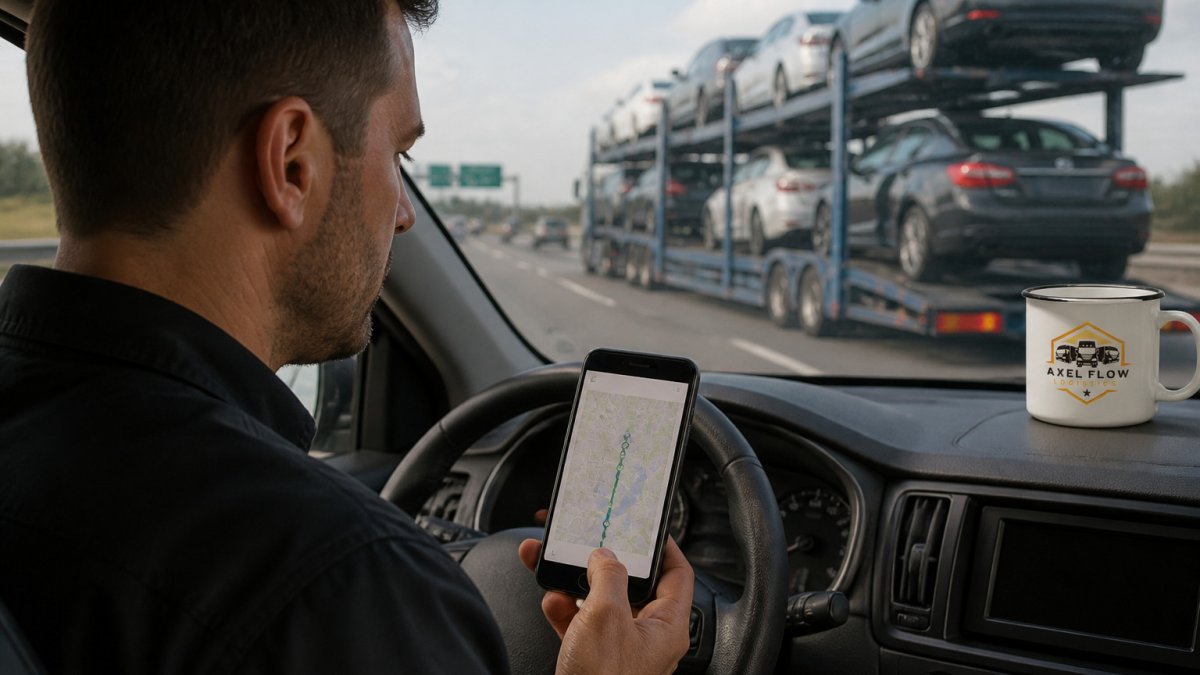
Most first-time shippers expect a live dot moving on a map. In practice, vehicle transport tracking is usually a mix of GPS pings, dispatcher-entered status changes, and manual check-ins, and the mix varies by carrier. Knowing which one you are looking at prevents false alarms.
How location data actually reaches you:
- Carrier GPS telematics: Many trucks run onboard telematics that report location at set intervals. Intervals are not standardized; a common pattern is a ping every few minutes while moving and less often when parked.
- Dispatcher status updates: Dispatch staff often update the portal manually at milestones (loaded, departed terminal, out for delivery). These updates are accurate but not continuous.
- Driver check-ins: On multi-vehicle haulers, the driver may call or text the dispatcher at fuel stops or overnight parking, and the dispatcher then updates your record.
- Broker relay: If you booked through a broker, the broker may relay carrier updates to you rather than giving you direct portal access.
Why updates can lag:
- Signal coverage: Rural stretches, mountain passes, and covered parking structures can interrupt GPS reporting. A gap of several hours is normal on long routes.
- Dispatch schedules: Some carriers batch portal updates at the start and end of a shift rather than in real time.
- Multi-vehicle routing: A truck carrying several vehicles may stop repeatedly, and the driver may not update each order at every stop.
- Terminal handoffs: Shipments that move through a terminal or transfer between trucks can show a status freeze while the vehicle waits for the next leg.
Open vs. enclosed carriers: Open and enclosed carriers can differ in how status is reported, so do not assume live GPS is included unless it is stated in your booking confirmation. If you are shipping a classic or high-value car, you can ask about our Enclosed Auto Transport option when you book.
Setting realistic expectations: A dot on a map is an estimate, not a delivery promise. Treat the estimated delivery window as the planning tool and the GPS ping as a sanity check. If the portal shows no movement for more than a day on a route that should be active, that is the point to call, not panic.
Location updates come from several sources, and each one refreshes at a different pace.
| Update source | How often it updates | What to expect |
|---|---|---|
| Carrier GPS telematics | Set intervals; not standardized | Location pings while moving, less often when parked |
| Dispatcher status updates | At milestones | Accurate but not continuous |
| Driver check-ins | At fuel stops or overnight parking | Relayed by the dispatcher to your record |
| Broker relay | Depends on the broker | Carrier updates passed on to you |
How Long Car Shipping Takes and What Affects the Timeline
Car shipping time depends on distance, route, carrier availability, and weather. A cross-country trip usually takes longer than a regional move. Truck schedules often include several pickups and drop-offs, which can add days.
Plan for flexibility. Pickup windows are often given as a range, not an exact time. Ask about the expected transit time when you book so you can compare it with your updates.
What to Do If Car Delivery Is Delayed or Updates Stop
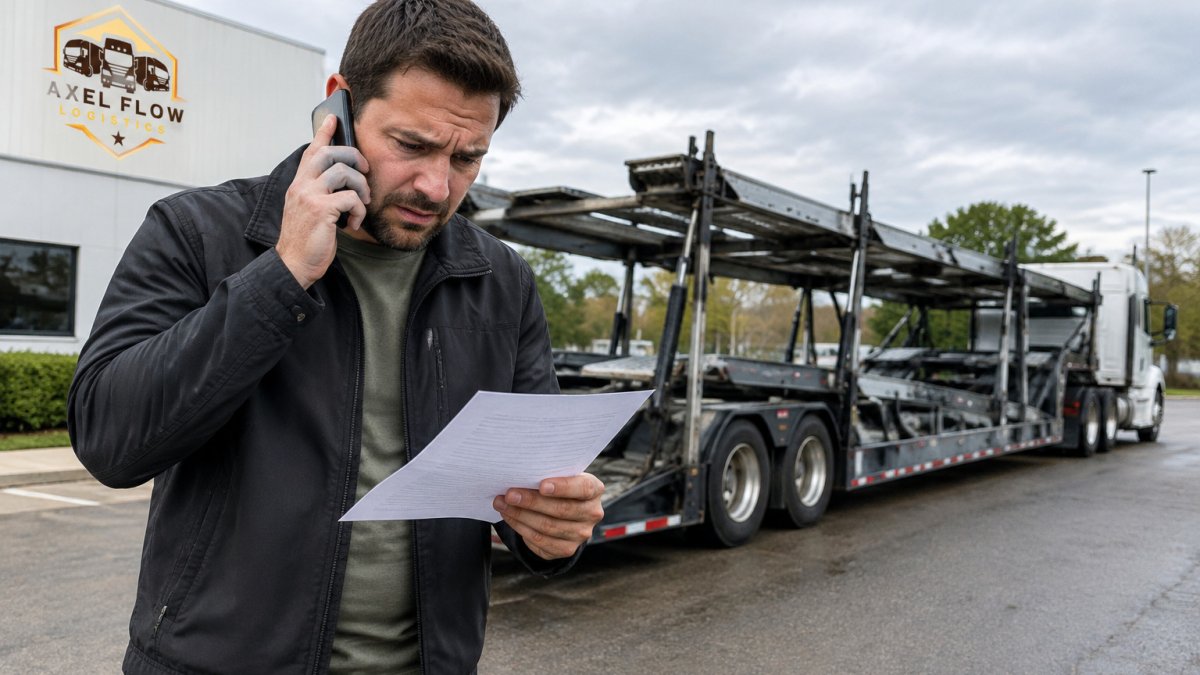
Delays are normal in auto transport. Weather, traffic, mechanical issues, and multi-stop routing can all push a delivery window. The problem is not a delay by itself; it is a delay with no information. Use the sequence below so you escalate in the right order and keep a record that supports a claim if one is needed.
Step 1: Check the portal and timestamp. Open the tracking portal and note the most recent status and its timestamp. If the last update is less than 24 hours old, wait for the next scheduled update before calling.
Step 2: Contact your broker or dispatcher. Call with your reference number ready. Ask three specific questions:
- What is the truck's last known location, and when was it recorded?
- What is the updated estimated delivery date and time window?
- Is there a documented reason for the delay (weather, mechanical, routing)?
Step 3: Request written confirmation. Ask for the updated delivery estimate by email or text. A written record is what you will rely on if the date slips again.
Step 4: Escalate to a manager. If you do not get a substantive answer within one business day, ask for the broker's or carrier's operations manager. State the facts: booking date, original delivery window, last confirmed status, and the number of contact attempts.
Step 5: Know when to involve a regulator. If you suspect the carrier is not operating legally or the vehicle cannot be located, you can verify the carrier's registration and safety record through the FMCSA carrier safety database and file a complaint with the FMCSA if warranted. For a vehicle you believe is stolen, contact local law enforcement; do not wait on the carrier.
Documentation checklist, keep for every contact:
- Date and time of each call, email, or text
- Name and title of the person you spoke with
- Your reference number and the carrier's dispatch number, if different
- The last known location and the time it was recorded
- Any promised delivery date, in writing
- Photos of the vehicle at pickup, in case condition questions arise later
A short gap in updates is usually not a crisis. A pattern of missed callbacks, shifting dates with no explanation, or a carrier that cannot state where the vehicle was last seen is the signal to escalate. If you are shipping a pickup or SUV and want a carrier experienced with larger vehicles, our SUV & Pickup Truck Transport service covers that need.
Protecting Your Privacy and Verifying Delivery at Pickup
Only share your tracking link and reference number with people who need them. Avoid posting them publicly. Before pickup, confirm the carrier's insurance coverage by asking the broker for proof. You can also verify a carrier's registration and safety record through the FMCSA carrier safety database.
At delivery, inspect the vehicle carefully. Take photos of its condition from several angles before you sign the bill of lading. Note any damage on the paperwork before you accept it.
Get Real-Time Visibility on Your Next Shipment with Axel Flow Logistics
Tracking your vehicle does not have to be guesswork. At Axel Flow Logistics, we act as a broker between shippers and vetted carriers, so you have one point of contact for your shipment. Our team supports customers bilingually and works with vetted carriers.
Ready to ship? Book Now!! to get started with Axel Flow Logistics.
Frequently Asked Questions
Can I track a vehicle in transit?
Yes. Most vehicle shipments can be followed with the tracking or reference number issued at booking, through the carrier or broker's tracking portal. Some shipments also receive GPS-based location updates, while others rely on status milestones such as pickup, in transit, and delivered. Update frequency depends on the carrier's equipment and the broker's reporting process, so ask your broker at booking how updates will be delivered, whether by email, text, phone, or app.
How often should I expect updates from the carrier or broker?
Update frequency varies by carrier and shipment. Many shipments receive a status update at pickup, at key points along the route, and at delivery. Some carriers provide more frequent GPS location data, while others update only at milestones. Ask at booking what update schedule to expect, and request a call if you have not heard anything within the timeframe you were promised.
What should I do if my vehicle's tracking information stops updating?
First, confirm you are using the correct tracking or reference number. Then contact your broker or the carrier's dispatch with that number and ask for the last known location and status. Silent tracking is often caused by weak GPS signal, a device that is turned off, or simply a gap between milestone updates, so a stalled feed does not always signal a problem. If you cannot get a clear answer within a reasonable time, escalate to your broker's account representative in writing.
How long does it take for a car to be shipped?
Transit time depends on distance, route, carrier availability, and the number of vehicles on the truck before and after yours. Pickup scheduling can add days before the vehicle even leaves. Your broker should provide an estimated delivery window at booking. Treat that window as an estimate rather than a guarantee, and ask about the carrier's typical timeline for your specific route.